 TravelBalance

FOR TRIPS
Sign up and add a trip anywhere
Simply set up a trip, select the country you’re traveling to and personalize it with one of our default images. It’s all about making your trip uniquely yours!

Take off on your journey, and we’ll do the expense math for you!
Click below to download on iOS or Android and give it a try!

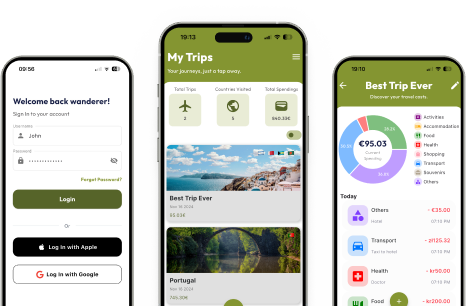

Simply set up a trip, select the country you’re traveling to and personalize it with one of our default images. It’s all about making your trip uniquely yours!
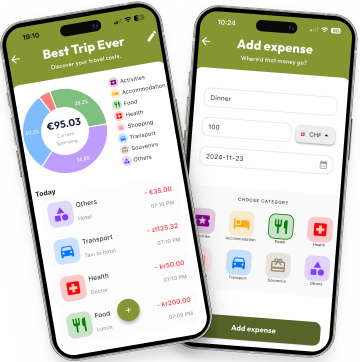
Easily add expenses to your trip, pick categories, and check your travel stats anytime to see how much you’ve spent in each area!
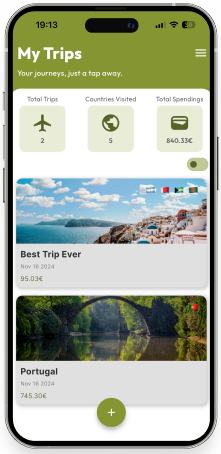
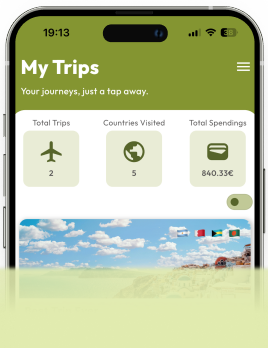
Use the toggle button to switch from the photo view of your trips to a compact layout, focusing solely on expense details without images.
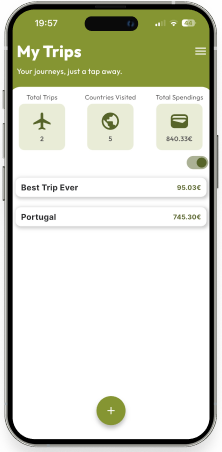
View your full travel history in one place. See how many trips you’ve completed, count the countries you’ve explored, and review your total travel spending!
Perform CRUD operations on trips and expenses in a simple and intuitive way.
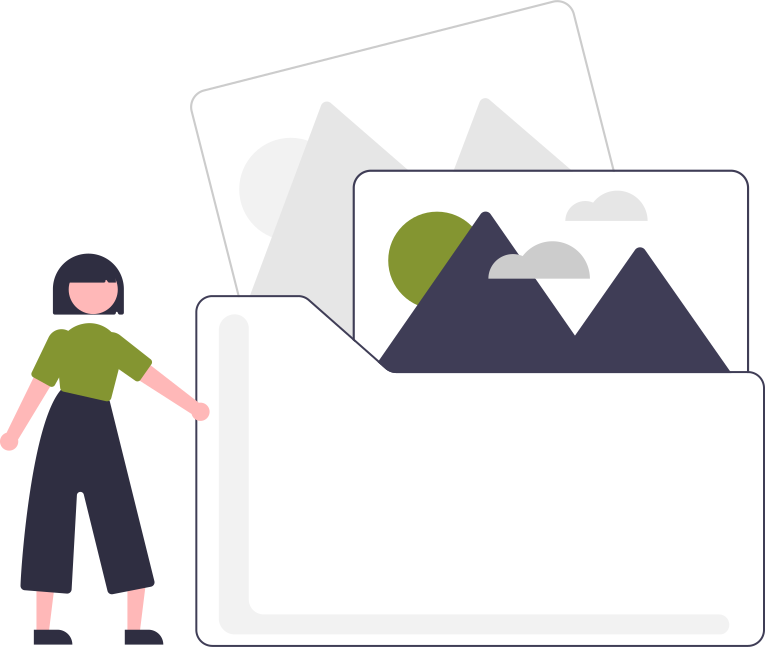
Choose from 15 default images to represent their trips. Each image is carefully selected to capture a variety of travel themes and destinations.
See overall stats, total number of trips, countries visited, spending and access detailed stats per trip, showing expenses by category for a deeper look at where the budget goes.
Check all your trips in a more detailed view for a clearer overview of your travel details and expenses with just one button.
Select categories from several basic options, such as transport, health, or accommodation. This helps in organizing your expenses more effectively.

Select the currency in which your expenses are displayed. Additionally, you can enter expenses in any currency, and they will automatically convert to your app’s main currency for a consistent overview.
Log in or register via your Google or Apple account to make the process quicker and more convenient.
Access your trips anytime, from any device. Your data is securely stored, ensuring that your travel plans are always up-to-date and easily accessible wherever you are